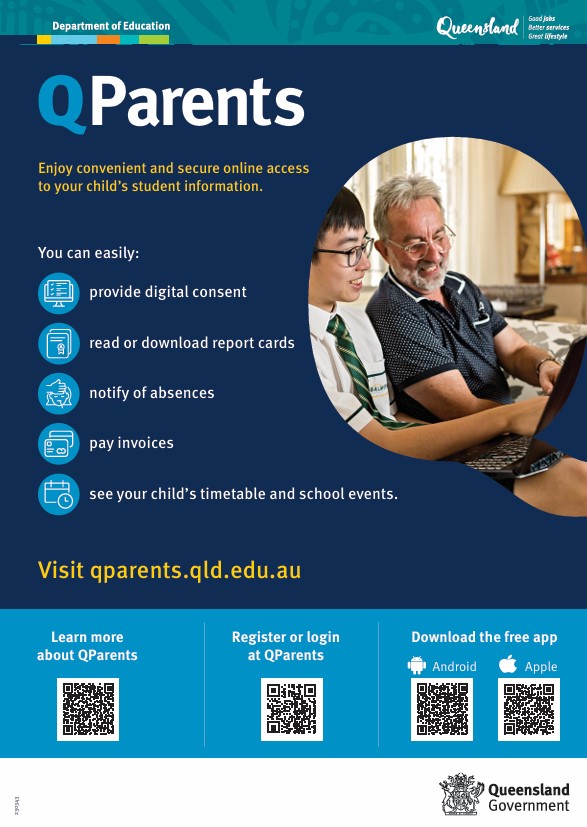
QParents is a free and secure online application that enables Queensland state schools to provide parents with digital access to various student data and administrative functions, including:
- view upcoming events
- access and provide digital consent
- view and update attendance details (including future absences)
- view behaviour information
- view and pay invoices
- view credits, account balance and payment history
- access report cards and assessment planners
- access enrolment history
- view school announcements.
Create a QParents account
To start using QParents, download the app on your preferred device or visit the QParents website External link and create your account.
QParents Account Owner
The school will invite parents/carers for each student to be QParents Account Owners (QPAOs). QPAOs will be able to register for QParents to access and manage their child's student information online, and submit update requests.
QPAOs can also invite another person to view a student's information in QParents as a 'Delegated Viewer'. The QPAO nominate which information can be viewed as the delegated viewer cannot make updates.
Identity verification
During the account creation process, you will be asked to verify your identity using 100 points of ID. You will only need to do this when you first register for QParents.
The department uses an identity verification service called GreenID, which uses the information you provide to ensure it matches the document provided by the issuers. The department and GreenID do not store the information you provide during this process.
You will be alerted via QParents if your identity has been successfully verified or if you need to provide more information.
Qparents Quick Reference Guide
 qparents-registration-factsheet.pdf
qparents-factsheet.pdf